The No-Show Costing You $83K a Year
Learn what your no-show rate actually costs per year, and how to switch on automated two-way appointment reminders this week in software you already pay for.
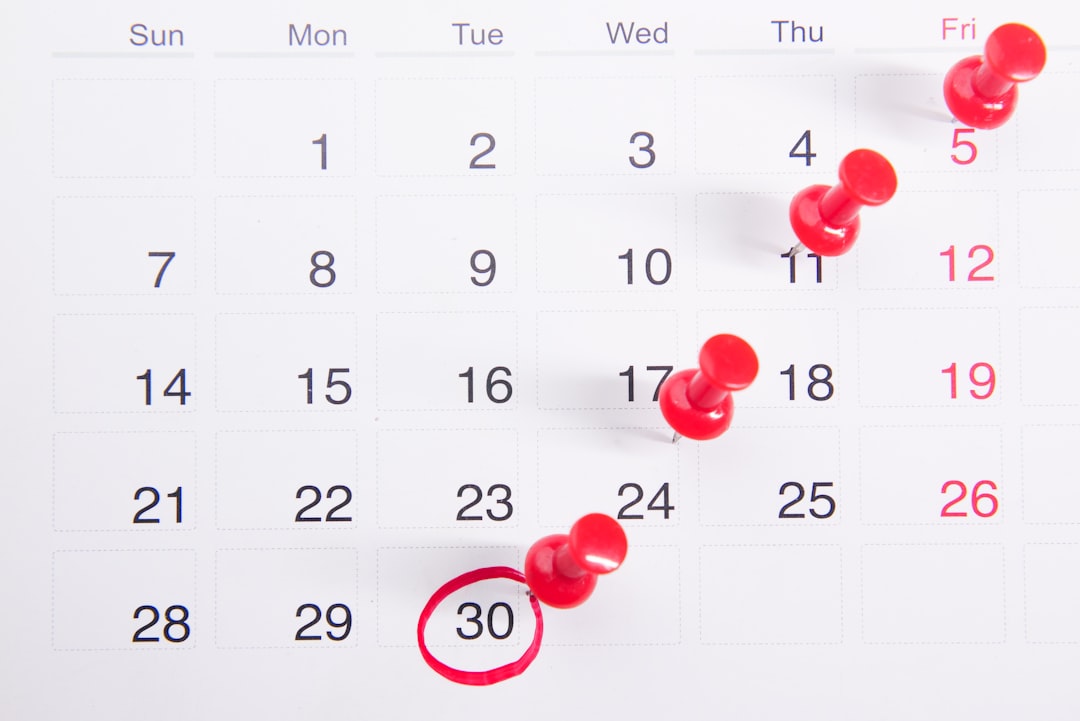
Two o’clock on a Tuesday and the slot is empty. The room is turned, the tech is on the clock getting paid either way, and the person who booked three weeks ago is not coming and did not call. You fill the hour with paperwork and forget about it by Thursday, which is the whole problem: a no-show never shows up on a report. Across service industries the average no-show rate is 23%, per SchedulingKit’s 2026 appointment no-show statistics, with healthcare at 27% and dental practices running without automated reminders at 30%. Ten minutes here gets you a dollar figure for your own calendar and a reminder system you can switch on before your next full week.
Quick verdict
What this is: An automatic text and email that goes out a day or two before the appointment and lets the customer reply to confirm, cancel, or move it. What it’s worth on your book: At 20 appointments a day and an $80 average visit, a 20% no-show rate is roughly $83,000 a year of empty chair. What to do this week: Count last month’s no-shows, multiply by your average ticket, then turn on the reminder toggle your scheduling software ships with switched off.
Run the number on your own calendar
Here is the arithmetic, and it takes a napkin.
A chiropractic or PT clinic books 20 visits a day at an $80 average. Twenty percent of them vanish. That is 4 empty slots a day, $320 a day, and on a 260-day working year, $83,200 gone. Not discounted. Not written off. Never invoiced, because there was nothing to invoice.
The reason nobody fixes this is that the loss arrives in four-dollar-an-hour increments. Your missed-call problem announces itself with a voicemail light. Your aging report announces itself with a number at the bottom. A no-show announces itself with silence and a hole in the schedule that you fill with something that feels like work.
Your rate is probably not exactly 23%. SchedulingKit’s industry breakdown puts salons and barbershops at 20%, professional service consultations at 18%, fitness at 15%, and veterinary at 12%. Use your own number. Last month’s calendar has it.
Why reminders work is boring, and that is the point
People do not skip appointments to spite you. They forget, or something moved and they never got around to telling you. Reminders fix forgetting. That is the entire mechanism, and it has been tested harder than almost anything else in this category.
At Geneva University Hospitals, researchers ran 6,450 patients through a randomized trial comparing automated text reminders against staff making phone calls. Published in BMC Health Services Research, the result was 11.7% no-shows on texts versus 10.2% on live calls, a gap small enough to call a tie. The money part is the part you care about: the texting arm produced a net benefit of €6,490 against €850 for phone calls, entirely because nobody had to sit there dialing.
So the choice is not reminders versus no reminders. It is reminders that cost a few cents versus reminders that cost an hour of your front desk every day. The Cochrane review of mobile phone reminders reached the same conclusion across a pile of trials: texts beat no reminder, beat postal mail, and match phone calls.
SchedulingKit puts the headline figure at a 50% reduction in no-shows with automated SMS and email, and 42% for AI-powered scheduling tools. Treat those as directional. They are aggregated from mixed sources and they are the number a scheduling vendor most wants to be true. Even half of that on an $83,000 hole is a raise.
The two-way part, and where I would be careful
Here is where I break with the pitch. Vendors sell two-way texting as psychology, the idea that replying “C to confirm” makes a customer commit. The best evidence does not back that hard. A PLOS One systematic review of randomized trials found two-way text messaging had an uncertain effect on appointment attendance, while a companion review of one-way SMS found it clearly improved it. Both reviews covered healthcare in Africa, so it does not transfer cleanly to your shop. Read it as a caution, not a verdict.
Turn two-way on anyway, for a different reason. The value is not the commitment. It is that a customer who texts back “can’t make Tuesday” at 4 PM Monday hands you a slot you have 18 hours to refill. One-way texting gives you a slightly better show rate. Two-way gives you the cancellation early enough to sell it to somebody else. That second thing is worth more, and it is the number I would actually track.
You are probably already paying for this
This is the part that annoys me on your behalf. The feature is in your software. It is off.
Housecall Pro’s own help documentation says SMS job reminders are toggled off by default, sending at 9:00 AM the day before once you switch them on. Their plans run from $59 a month on annual billing up into the low hundreds depending on seats. Jobber’s visit reminders let you set one text and one email per appointment, and they automatically cancel and reissue if you reschedule the visit. Jobber’s Connect plan is about $119 a month billed monthly and includes automated client reminders; per pricing breakdowns of the 2026 plan ladder, two-way SMS sits on the Grow tier above it. Check which plan you are on before you assume replies are enabled.
If you run neither, look in whatever tool holds your calendar. The trigger is there under notifications or client communications. Outbound texts usually carry a per-message fee of a fraction of a cent to a few cents, which is a rounding error against an $80 visit.
Where reminders will not save you
Three cases, and you know who they are.
- The repeat offender. Someone who has burned you twice does not need a third text. They need a deposit. SchedulingKit’s deposit data cites a 55% average reduction in no-shows when deposits are required, with $25 to $50 the common range and 72% of consumers fine with it when it applies to the bill.
- The arrival window, not the appointment. For trades, the customer is usually home and the tech is late. That is a dispatch and ETA problem wearing a no-show costume. Different fix.
- The booking that was never real. If a lead books to make the call end, a reminder just formalizes the cancellation. Better than an empty slot, but the leak is upstream in how you qualify.
What to do this week
- Count, then multiply. Open last month’s calendar and count the appointments nobody showed for. Divide by total booked to get your rate. Multiply the count by your average ticket, then by 12. That is the annual figure, and it will be larger than you guessed.
- Turn the toggle on, two touches. In your scheduling or field service software, find notifications and enable reminders at 48 hours and again at 2 hours before. Send text and email both. The 48-hour one exists so they can move it; the 2-hour one exists so they walk out the door.
- Enable replies and assign the inbox. Make sure a “reschedule” or “cancel” reply lands somewhere a human reads within the hour, and build a short standby list of customers who would take a same-day slot. A cancellation you cannot refill is still a no-show with better manners.
Same leak as the calls nobody answers after five, the invoices nobody chases past day 14, and the reviews nobody asks for: the demand was already there and the follow-up was nobody’s job.
If you want that $83,000 recalculated against your real calendar, ticket, and no-show rate, a free Build Audit does exactly that.
TAGS
What is this worth in your business?
The free Build Audit is 30 minutes. You leave with a ranked list of the automations worth doing in your business, whether or not we build them.
Related Articles
Your Slow Callback Is Costing You $33,400 a Year
See what a three-hour callback is costing you in booked jobs, and set a five-minute rule with an automatic text fallback for the hours nobody can pick up.

Your CSR Booking Rate Is Worth $100K a Year
Your answered calls aren't booking. See what five points of CSR booking rate is worth to your shop, and find the free way to learn why callers still hang up.

The Contact Form That's Costing You the Job
See what your website contact form is costing you in unanswered leads, and switch to web chat or text that reaches a phone someone actually watches all day.