76% of SMBs Use AI but Only 14% Actually Integrated It — Here's the Fix
Goldman Sachs survey data reveals a massive gap between AI adoption and integration in small businesses. A concrete framework to close it.
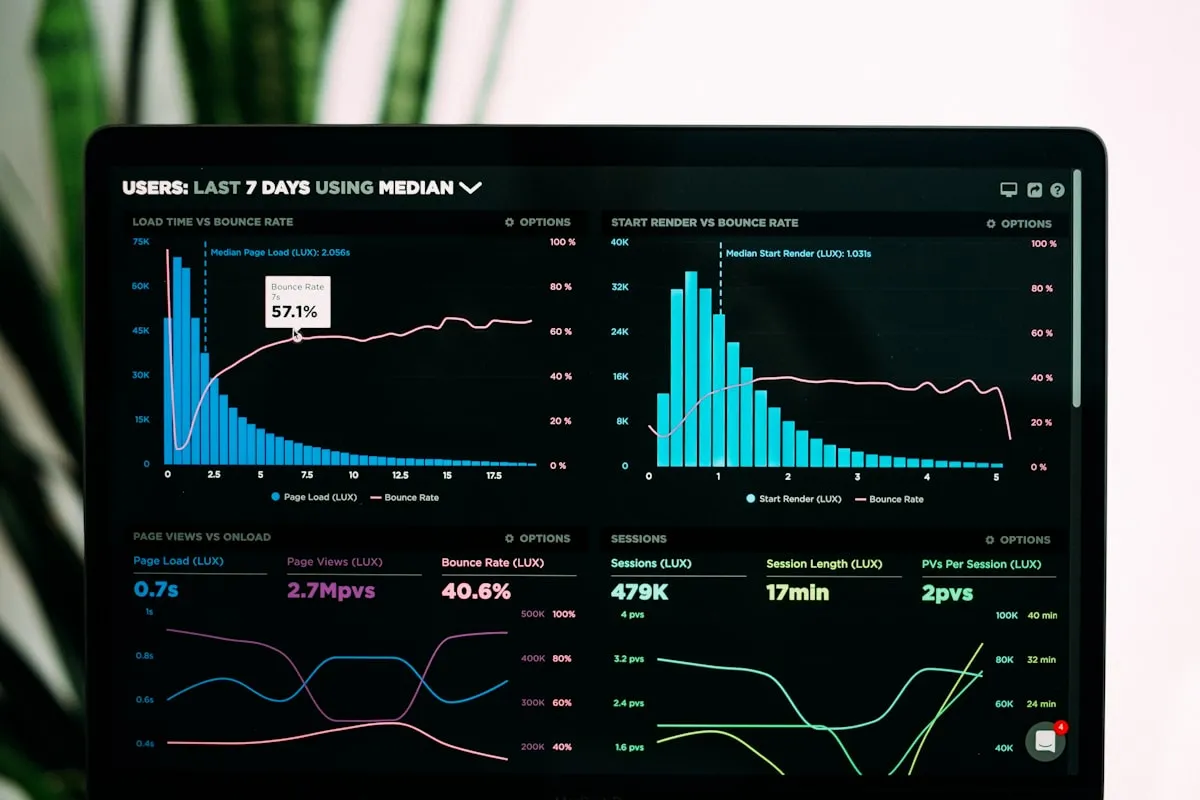
Goldman Sachs just published their March 2026 small business survey, and one number stopped me cold: 76% of small businesses now use AI tools, but only 14% have embedded AI into their core operations.
That’s not an adoption problem. That’s an integration problem. And it’s costing small businesses real money every single day.
The Gap Nobody’s Talking About
Here’s what this data actually means. Three out of four SMBs have ChatGPT accounts, Jasper subscriptions, or some AI writing tool their marketing person found on TikTok. They’re using AI. They checked the box.
But fewer than one in seven have connected those tools to the workflows that actually run their business: invoicing, customer follow-ups, inventory management, scheduling, reporting.
The rest? They’re treating AI like a search engine with extra steps. Open a tab, paste a prompt, copy the output, manually put it somewhere useful. That’s not integration. That’s copy-paste with a subscription fee.
I’ve seen this pattern in my consulting work for years. A business owner tells me they “use AI” and then shows me a team member who spends 45 minutes a day copying ChatGPT outputs into spreadsheets. That’s not an AI-powered operation. That’s a person doing data entry with an expensive autocomplete.
Why the Gap Exists
The Goldman Sachs data confirms something I’ve been saying since 2024: the barrier to AI isn’t access or willingness — it’s operational embedding.
Three forces keep small businesses stuck in the adoption-without-integration trap:
1. Tool-first thinking. Most businesses start with “we should use AI” and pick a tool. The right starting point is “what process takes too long?” and then finding the AI that fits. When you start with the tool, you get a solution looking for a problem. When you start with the process, you get measurable improvement.
2. No integration layer. Individual AI tools don’t talk to each other or to existing business systems by default. Connecting ChatGPT to your CRM, your email platform, and your project management tool requires an automation layer. Think n8n, Make, or Zapier. Most small businesses don’t know this layer exists, let alone how to set it up.
3. The “good enough” trap. Using AI for one-off tasks feels productive. You wrote a marketing email faster. You summarized meeting notes. You generated a few social posts. Each individual use saves 10 minutes. But without integration, you’re capturing maybe 5% of the available efficiency. The other 95% sits on the table because nobody connected the dots between isolated tool use and systematic process improvement.
The Real Cost of the Integration Gap
Let me put numbers on this.
A typical 15-person service business that “uses AI” but hasn’t integrated it might save 3-5 hours per week across the team. Scattered time savings from faster writing, quicker research, better brainstorming.
That same business, with AI properly embedded into three core workflows, typically saves 15-25 hours per week. I’ve measured this across dozens of implementations.
| Integration Level | Weekly Hours Saved | Annual Value (at $50/hr) |
|---|---|---|
| AI tools, no integration | 3-5 hours | $7,800-$13,000 |
| AI integrated into 1 workflow | 8-12 hours | $20,800-$31,200 |
| AI integrated into 3 workflows | 15-25 hours | $39,000-$65,000 |
The gap between “using AI” and “integrating AI” for a 15-person company? Roughly $30,000 to $50,000 per year in unrealized efficiency.
That’s not theoretical. That’s what I’ve watched businesses leave on the table because they stopped at adoption and never made it to integration.
The Integration Framework: From Tools to Systems
After building AI integrations for businesses ranging from 3-person shops to Fortune 500 departments, I’ve boiled the process down to four phases. This is the same framework I use in every engagement, adapted for small businesses with limited IT resources.
Phase 1: Process Audit (Days 1-3)
Before you touch any AI tool, map out the five workflows that consume the most staff time. Not the most annoying tasks — the most time-consuming ones.
For most small businesses, these fall into predictable buckets:
- Customer communication and follow-ups
- Reporting and data compilation
- Content creation and marketing
- Scheduling and coordination
- Invoice processing and accounts receivable
Pick the top three. For each one, document exactly how it works today: who does it, what tools they touch, how long each step takes, and where the bottlenecks sit.
This isn’t busywork. Without this map, you’ll automate the wrong things. I walked into a client engagement last quarter where the owner wanted to “use AI for marketing.” The actual bottleneck eating 12 hours per week? Manual invoice follow-ups. Marketing was fine. Cash flow management was the fire.
If you need a structured approach to identifying what’s worth automating, I built a five-question checklist specifically for this step.
Phase 2: Integration Architecture (Days 4-7)
Now you design the connections. For each of your three target workflows, define:
- Trigger: What starts the process? (A new email, a form submission, a calendar event, a Slack message)
- Processing: What does AI need to do? (Summarize, classify, draft a response, extract data, make a decision)
- Action: Where does the output go? (CRM update, email sent, spreadsheet row added, task created)
This is where most businesses fail. They have the trigger (something happens) and the processing (AI does something), but no automated action. The output sits in a chat window, and a human has to move it somewhere useful.
The fix is an automation platform connecting your triggers, AI processing, and actions into a single flow that runs without human intervention. I covered the practical setup in my n8n automation guide, but the principle applies regardless of which platform you choose.
Phase 3: Build and Test (Days 8-21)
Build one workflow at a time. Not all three simultaneously.
Start with the workflow that has the clearest input-output pattern and the lowest risk of errors. For most businesses, that’s customer communication or reporting — not financial processes.
Week 2: Build workflow #1. Test it with real data from the last 30 days. Compare the AI output against what your team actually produced. Adjust until accuracy hits 90%+.
Week 3: Deploy workflow #1 with human oversight. Someone reviews every AI output before it goes live. Track time savings and error rates.
The temptation is to skip the oversight phase. Don’t. I’ve seen a landscaping company auto-send AI-drafted quotes that were 40% below their actual rates because nobody checked the numbers for the first week. Two weeks of human review catches these issues before they cost real money.
Phase 4: Deploy and Measure (Days 22-30)
Once workflow #1 runs cleanly with oversight for a week, reduce oversight to spot-checks and start building workflow #2.
Measure three things every week:
- Hours saved (actual, not estimated)
- Error rate (AI outputs that needed correction)
- Revenue impact (faster quotes, fewer missed follow-ups, better cash collection)
If you want a structured approach to tracking these numbers, my AI ROI measurement framework gives you the exact template.
After 30 days, you should have one fully integrated workflow running autonomously and a second in testing. That alone puts you ahead of 86% of small businesses, according to the Goldman Sachs data.
Common Mistakes That Keep Businesses Stuck
I’ve watched dozens of SMBs attempt this transition. The ones that stall usually hit one of three walls.
Mistake #1: Automating bad processes. If your current workflow is a mess, AI will automate the mess faster. Clean up the process first — eliminate unnecessary steps, standardize inputs, clarify decision points — then add AI. I wrote about this exact problem in why most AI strategies fail.
Mistake #2: Trying to integrate everything at once. Three workflows in 30 days is aggressive but achievable. Ten workflows in 30 days is a guarantee that nothing works properly. Focus beats ambition every time.
Mistake #3: No measurement. If you can’t quantify the improvement, you can’t justify expanding it. And you can’t tell whether you’ve actually closed the integration gap or just added more tools to the pile.
What the Goldman Sachs Data Tells Us About 2026
The Goldman Sachs survey also found that small business confidence is climbing, with owners increasingly treating AI as a growth investment rather than an experiment.
That’s the good news. The bad news is that confidence without integration creates a false sense of progress. You feel like you’re keeping up because you have the tools. But your competitor who actually connected those tools to their operations? They’re saving 20 hours a week while you’re saving 4.
The businesses that close this gap in 2026 won’t be the ones with the most AI subscriptions. They’ll be the ones who stopped treating AI as a standalone tool and started treating it as connective tissue between their existing systems.
That shift — from AI-as-tool to AI-as-infrastructure — is what separates the 14% from the 76%.
Your Move
If you’re in the 76% who use AI but the not-14% who’ve integrated it, here’s your first action:
This week, pick one workflow that eats more than 5 hours of staff time per week. Map every step. Identify where an AI model could handle the processing and where an automation platform could handle the routing.
That single workflow, properly integrated, will save you more time than every ad-hoc ChatGPT prompt your team ran last month combined.
The gap is real. But it’s fixable. And the businesses that fix it first will have a compounding advantage that grows every month.
If you’re stuck between knowing you should integrate AI and actually getting it done, that’s the exact problem my implementation approach was built to solve. Start with one workflow. Measure the results. Then expand.
TAGS
Ready to Take Action?
Whether you're building AI skills or deploying AI systems, let's start your transformation today.
Related Articles

Microsoft's Free Toolkit Fixes Your Agent Governance Problem
Microsoft open-sourced 7 packages covering all 10 OWASP agentic AI risks under MIT license. See how to deploy agent governance before regulators require it.

MCP Hit 97M Installs. Is Your Stack Ready?
Model Context Protocol crossed 97M installs in 12 months. Learn how MCP powers agentic AI workflows and what to do before your tools enforce it.
The Agent Governance Layer Every SMB Is Missing
Galileo's Agent Control gives SMBs prompt injection detection, cost tracking, and audit trails. Deploy agent governance before your next AI incident.